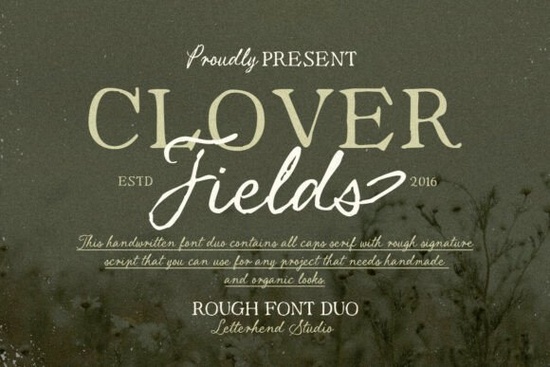
If you're looking for a font that feels like it was written by hand in a quiet country cottage, Clover Fields Font delivers exactly that. It’s not just another script font it’s a thoughtful blend of an organic serif and a rough handwritten style, giving your projects a soft, rustic charm that feels both natural and slightly imperfect. Perfect for anything from wedding invitations to handmade labels, this duo brings warmth and authenticity to every design.
What makes Clover Fields Font stand out?
Unlike polished digital scripts, Clover Fields embraces small irregularities like uneven strokes and subtle texture that mimic real handwriting. These details make it feel less manufactured and more personal, as if someone wrote it during a slow afternoon with a fountain pen. The result? A typeface that feels calming and grounded, ideal for seasonal designs, journaling, or branding with a handmade touch.
The font works well in both uppercase and lowercase, and its balanced rhythm keeps text readable even at smaller sizes. Whether you’re designing a greeting card, a product label, or a social media post, the combination of gentle curves and slight imperfections gives your work character without overwhelming the message.
How can I use Clover Fields Font in my creative projects?
This font shines in design categories where authenticity matters. Here are a few practical uses:
- Wedding stationery – Use it for save-the-dates, menus, or table numbers to give a cozy, heartfelt vibe.
- Print-on-demand products – Ideal for mugs, tote bags, and wall art with nature-inspired phrases like “Stay wild” or “Find peace in the fields.”
- Small business branding – Great for cafes, boutiques, or artisan shops wanting to highlight their handmade values.
- Journaling & planners – Pair it with simple layouts to add personality to daily notes or quotes.
It also pairs beautifully with minimalist backgrounds or textured paper effects, which enhance its handmade quality. Try overlaying it on a light beige or cream backdrop to bring out the font’s organic feel.
How does it compare to other script fonts?
While many script fonts aim for elegance or precision, Clover Fields leans into imperfection. If you’ve enjoyed fonts like Sweet Honey for its soft flow, or Wildberry for its playful energy, Clover Fields offers something different a quieter, more grounded presence. It’s less bouncy than Sparkle, less formal than Samantha Calligraphy, and more textured than The Secret.
For those who love the idea of a handwritten note but want consistency across multiple designs, this font strikes a balance between spontaneity and reliability. You get the charm of a real pen stroke without the risk of inconsistency.
Where can I find Clover Fields Font?
You can download and use Clover Fields Font for personal and commercial projects through Creative Fabrica. It’s available in multiple formats (OTF, TTF, WOFF) so it works across most design platforms from Canva to Adobe Illustrator and Procreate.
Looking for similar styles? Check out these other handcrafted fonts:
- The Secret – For a more delicate, whisper-like script.
- Samantha Calligraphy – A refined yet expressive option with strong letterforms.
- Sparkle – Light and joyful, perfect for playful themes.
And if you’re curious about how this font compares to others in the same category, explore Clover Fields Font directly on Creative Fabrica to see samples and license options.
Final thoughts: Is Clover Fields right for you?
If you value authenticity over perfection, and want a font that feels like it belongs in a storybook or a farmhouse kitchen, then yes this one fits. It’s not flashy, but it leaves a lasting impression through its quiet charm.
Before you start, remember: always test your font at different sizes and on various backgrounds. Even the best fonts need context to shine.
Quick checklist before using:
- Download the correct file format for your software
- Test the font in your intended project size
- Pair it with clean, simple backgrounds to avoid visual clutter
- Check licensing terms for commercial use
Once you’ve added it to your toolkit, you’ll likely find yourself reaching for it again and again especially when you want your designs to feel human, not machine-made.
Download Now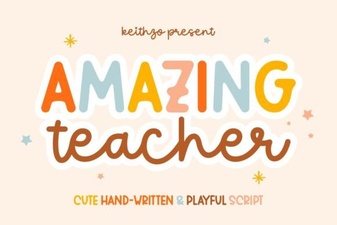 Amazing Teacher Font for Creative Classroom Designs
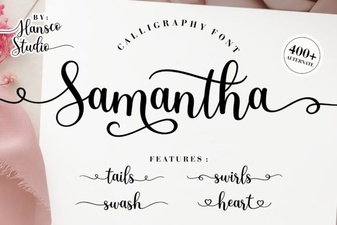 Samantha Calligraphy Font for Elegant Design Projects
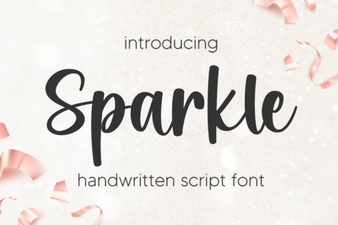 Sparkle Font: Creative Typography for Eye-Catching Designs
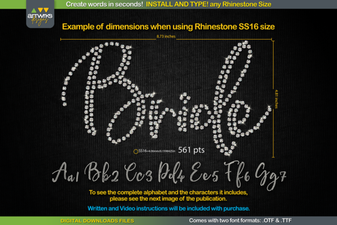 Rs01 Cursiva Rhinestone Ttf Font for Stylish Design Projects
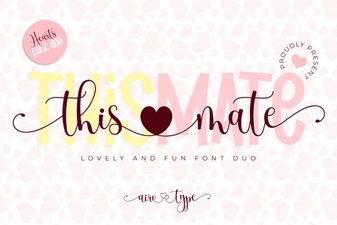 This Mate Font: Bold Typography for Creative Projects
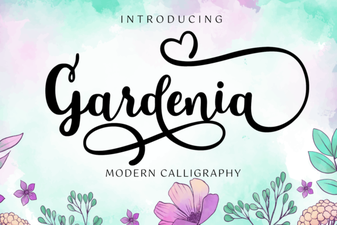 Elegant Gardenia Font for Stylish Design Projects